
AI-Powered Architectural Rendering
Turn your screenshot into a photorealistic render in seconds.
Upload from SketchUp, Enscape, D5, Lumion, V-Ray, or Twinmotion — AI enhances lighting, materials, and atmosphere. Your camera, geometry, and design never change.
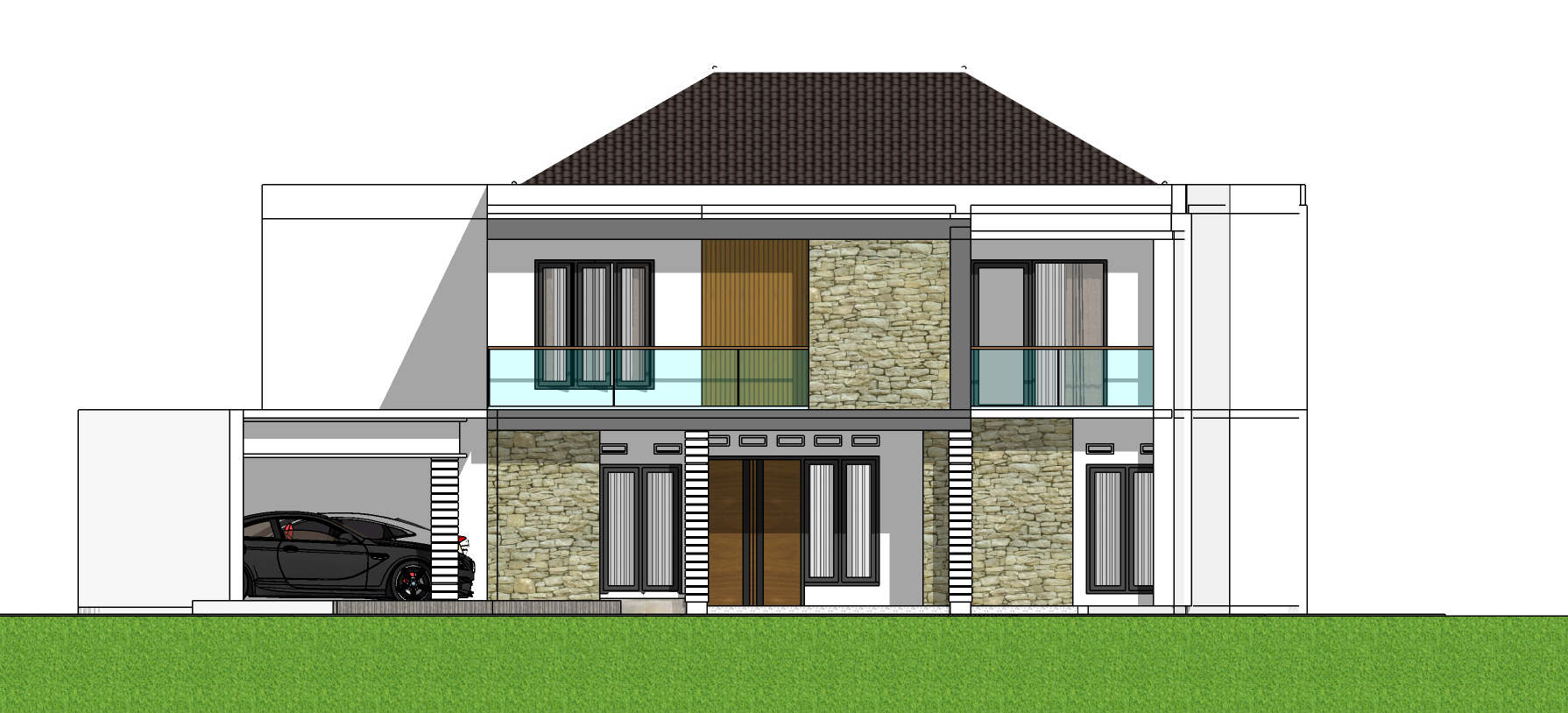
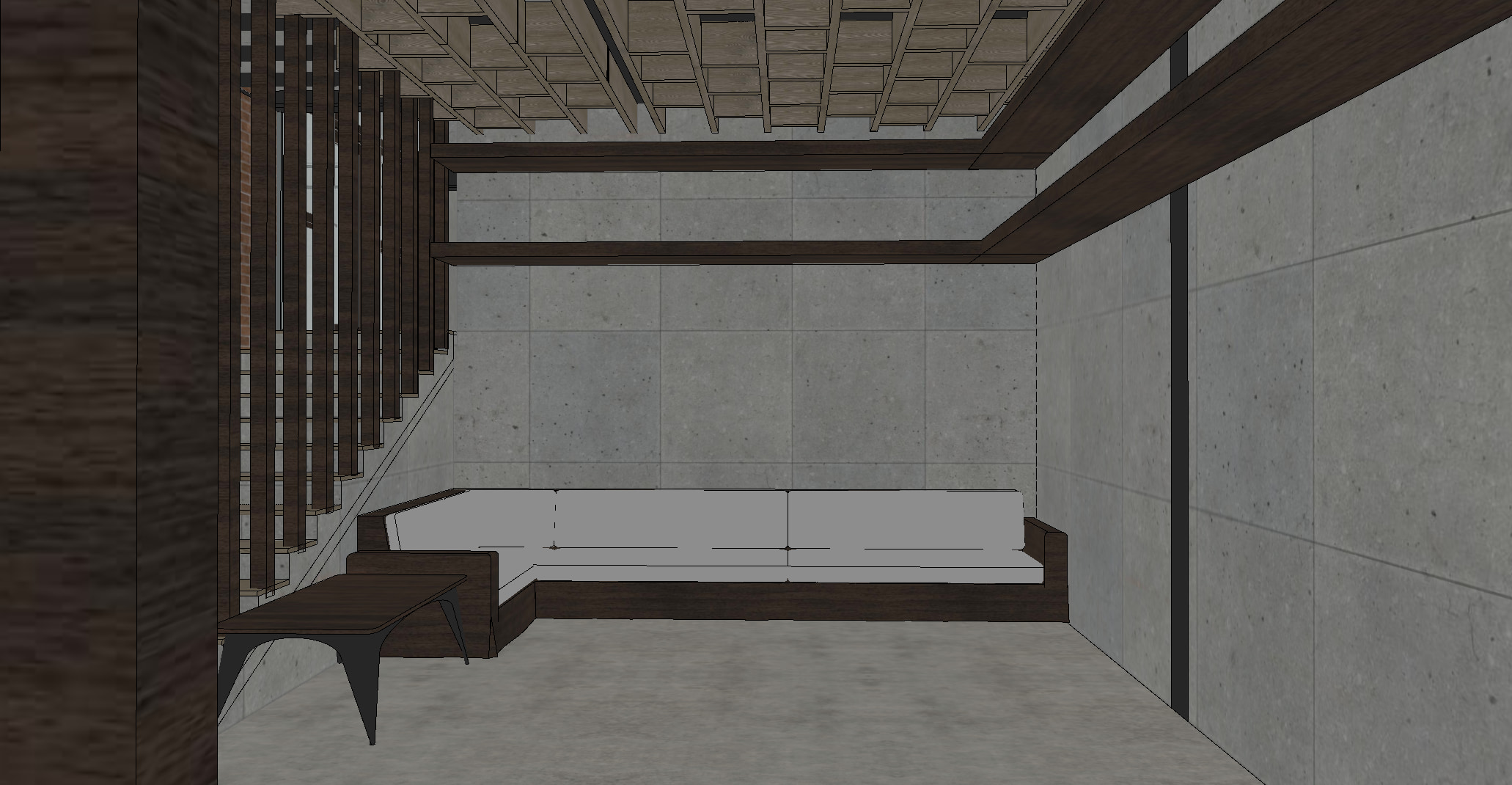
Works with your render software
Render Types
One tool for every design phase.
How it works
From screenshot to presentation in three steps.
01 · Upload
Any render software, any screenshot.
02 · AI enhances
Lighting, materials, atmosphere refined. Nothing else touches your design.
03 · Download
HD, presentation-ready, in seconds.
Start Here
Pick a template. Choose a mode. Upload.
Automatic is AI-optimized (recommended). Custom gives you fine control.
Realistic Exterior Render
Photorealistic building exterior with natural lighting.
Interior Render
Warm, high-fidelity interior visualization.
Mass Evolution Diagram
Sequential mass transformation, competition-board quality.
Site Analysis
Sun, wind, noise, vegetation & more — as an analytical board.
Before & After
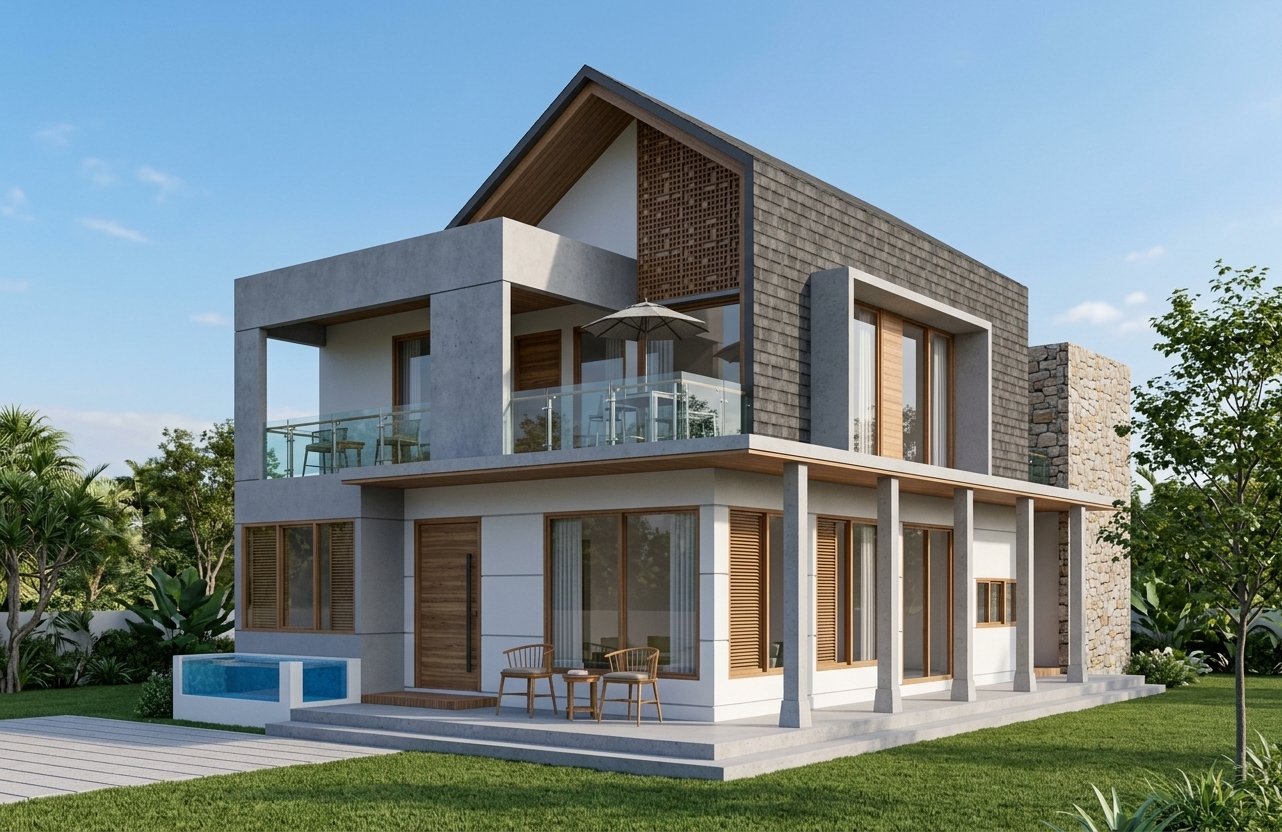
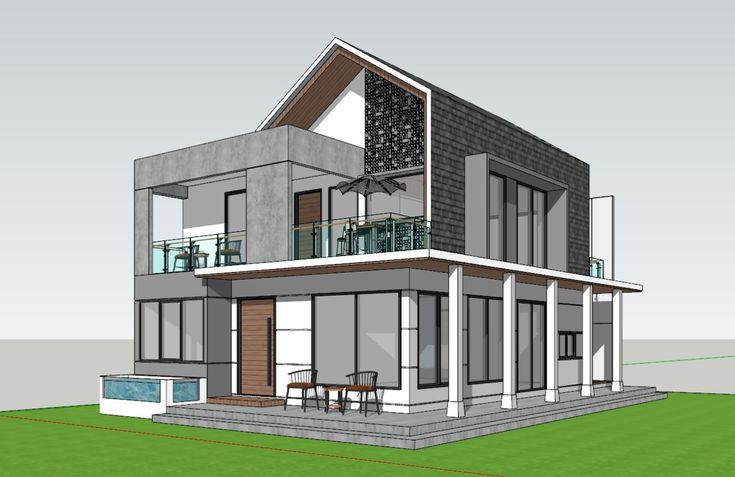
Same camera. Better quality.
Drag the slider to compare the original screenshot with the AI-generated result.
Why ArkitFlow
Built for architects, not generalists.
Works With What You Already Have
Transform screenshots directly — skip rebuilding the model or re-exporting from CAD.
Preserve Camera & Geometry
Composition, camera position and proportions stay exactly as you set them.
Real Materials, Real Light
Lighting, materials, vegetation, reflections and atmosphere refined automatically.
Seconds, Not Days
Production-ready visuals in seconds, not days.
Built on Architecture, Not Art
Trained on architectural imagery — not fantasy art or generic stock photography.
Professional Templates
One-click architectural styles. No prompt engineering required.
Gallery
Real projects. Real renders.
Pricing
Simple and flexible.
Credit cost depends on the render type — each one shows its price on the card before you generate. New accounts get 10 free credits — no credit card required.
Trial
- All templates
- Never expire
- Full history
Starter
- All templates
- Never expire
- Full history
Popular
- All templates
- Never expire
- Full history
Pro Pack
- All templates
- Never expire
- Full history
Secure checkout via Midtrans. Credits are added automatically once payment is confirmed.
FAQ